
Let’s be honest: for the last few years, Android updates have felt like a game of incremental tweaks. A new emoji here, a slightly different shade of Material You there. But Android 17 is shaping up to be different.
Android 17 Features Explained:
Google has finally moved past the “let’s just shove AI into everything” phase and is focusing on making that AI actually useful, private, and invisible. Combined with some long-overdue quality-of-life upgrades for battery life and foldable screens, Android 17 feels like the polished, mature operating system we’ve been waiting for.
Whether you are rocking a brand-new flagship or holding onto a trusted older device, here is a straightforward breakdown of the best Android 17 features and what they actually mean for your daily phone use.
1. AI That Stays Out of Your Way (But Gets Things Done)
Android 15 and 16 introduced us to on-device AI, but Android 17 makes it proactive instead of reactive. Instead of waiting for you to open an app and ask it to summarize something, the system now learns your habits.
For example, if you regularly check your calendar and traffic before leaving for work, Android 17 can surface a “Leave Now” card on your lock screen with real-time transit updates, all processed locally on your phone’s Neural Engine. The best part? It doesn’t need an internet connection to do this, and your data never leaves your device. It is helpful without being creepy.
2. Satellite Connectivity Goes Mainstream
For the last couple of years, satellite SOS was mostly a premium feature reserved for high-end Pixels or iPhones. Android 17 changes that by building native satellite messaging directly into the core OS.
This means more mid-range and older flagship phones can now support basic satellite texting and emergency location sharing through standard carrier partnerships. The interface is baked right into the default Messages app, so if you lose cell service on a hike, switching to satellite mode is as simple as tapping a prompt. No third-party apps or complicated setups required.
3. Privacy Controls That Actually Make Sense
Google is doubling down on its “Private Compute Core,” but Android 17 takes it a step further with hyper-granular permissions.
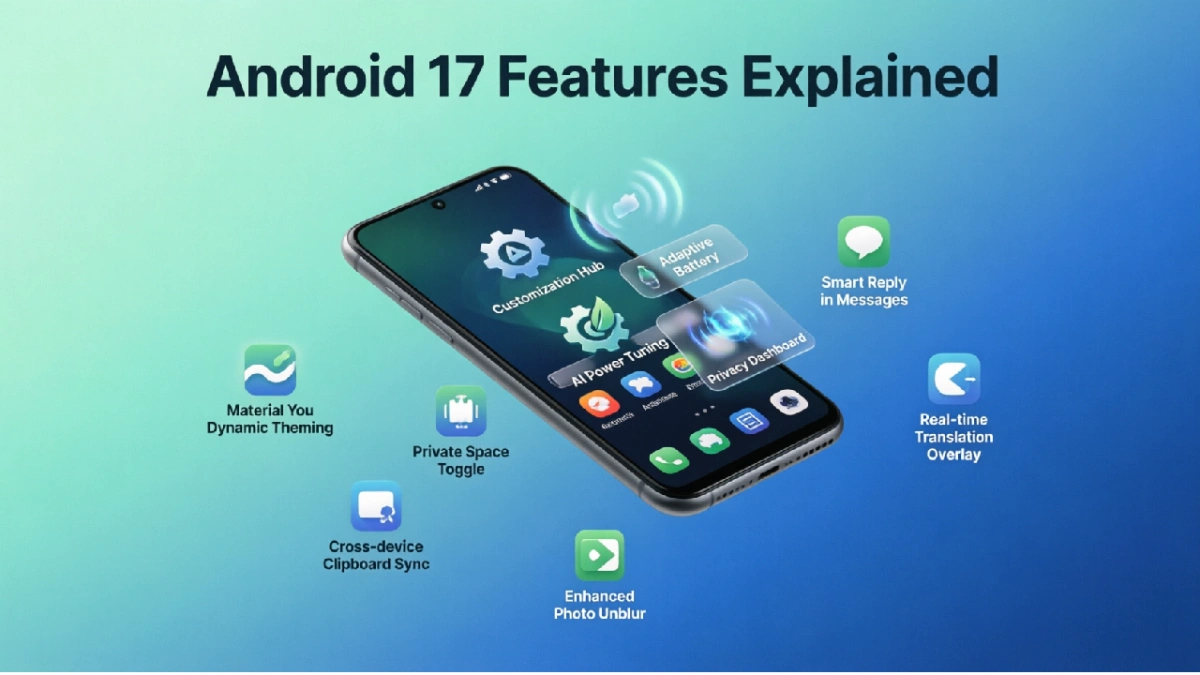
You now have a “One-Time Use” toggle for almost every sensor, including the microphone, camera, and even your clipboard. If a sketchy app asks for access, you can grant it for exactly 60 seconds. After that, the permission is automatically revoked. There is also a new “Privacy Dashboard” widget you can drop on your home screen, giving you a quick, at-a-glance view of which apps have been sneaking around in the background.
4. Foldables and Tablets Finally Feel “Native”
If you use a foldable phone or an Android tablet, you know the pain of apps that just look like stretched-out mobile versions. Android 17 introduces a stricter “Adaptive Layout” requirement for the Play Store.
Developers are now strongly encouraged (and in some cases, required) to optimize their apps for larger screens and split-view multitasking. The new taskbar is also smarter, remembering which apps you usually pair together (like Chrome and Keep Notes) and letting you launch them side-by-side with a single drag-and-drop motion.
5. Smarter Battery and Thermal Management
Nobody likes a phone that gets hot and dies by 4 PM. Android 17 includes a revamped underlying scheduler that works directly with your phone’s hardware.
Instead of just killing background apps aggressively (which actually uses more battery when you reopen them), the OS now intelligently throttles the processor for background tasks based on your screen-on time and current battery percentage. Early beta tests are showing a noticeable 10% to 15% improvement in screen-on time for heavy users.
6. A Subtle, But Welcome, Visual Refresh
Material You is getting a slight glow-up. The new “Expressive” theme engine allows for more dynamic contrast. Your lock screen clock can now react to notifications with subtle, non-distracting animations, and the quick settings panel has been reorganized to prioritize the toggles you actually use, pushing the cluttered, rarely-used options into a secondary menu.
FAQs
1. When is the official Android 17 release date?
Following Google’s shift to a mid-year release cycle, Android 17 officially started rolling out to Pixel devices in Q2 2026 (around May/June). Other major manufacturers like Samsung, OnePlus, and Xiaomi are expected to roll out their stable updates between late summer and early fall of 2026.
2. Will my older phone get Android 17?
It depends on your device. Google guarantees 7 years of OS updates for the Pixel 8 series and newer. For other brands, most flagships released in 2023 or later (like the Galaxy S23/S24 series or OnePlus 11/12) will get the update. Mid-range phones might be left out, so it is best to check your manufacturer’s official support page.
3. Does Android 17’s AI feature require an internet connection?
Most of the core, everyday AI features (like live translation, smart lock screen suggestions, and text summarization) are processed entirely on-device using your phone’s Neural Engine. However, highly complex generative AI tasks (like creating an image from scratch) will still require a Wi-Fi or data connection and will be processed securely in Google’s cloud.
4. How do I check if Android 17 is available for my phone?
Go to Settings > System > System Update (on Pixel) or Settings > Software Update (on Samsung/other brands). Tap “Check for Updates.” If it is available, you will see the prompt to download and install it. Make sure your phone is charged above 50% before starting.
5. Will Android 17 slow down my phone?
Quite the opposite. Android 17 is highly optimized for memory management. While the very first day after updating might feel a little sluggish as the system re-indexes your files and optimizes apps in the background, performance and battery life typically improve noticeably after the first 48 hours.