
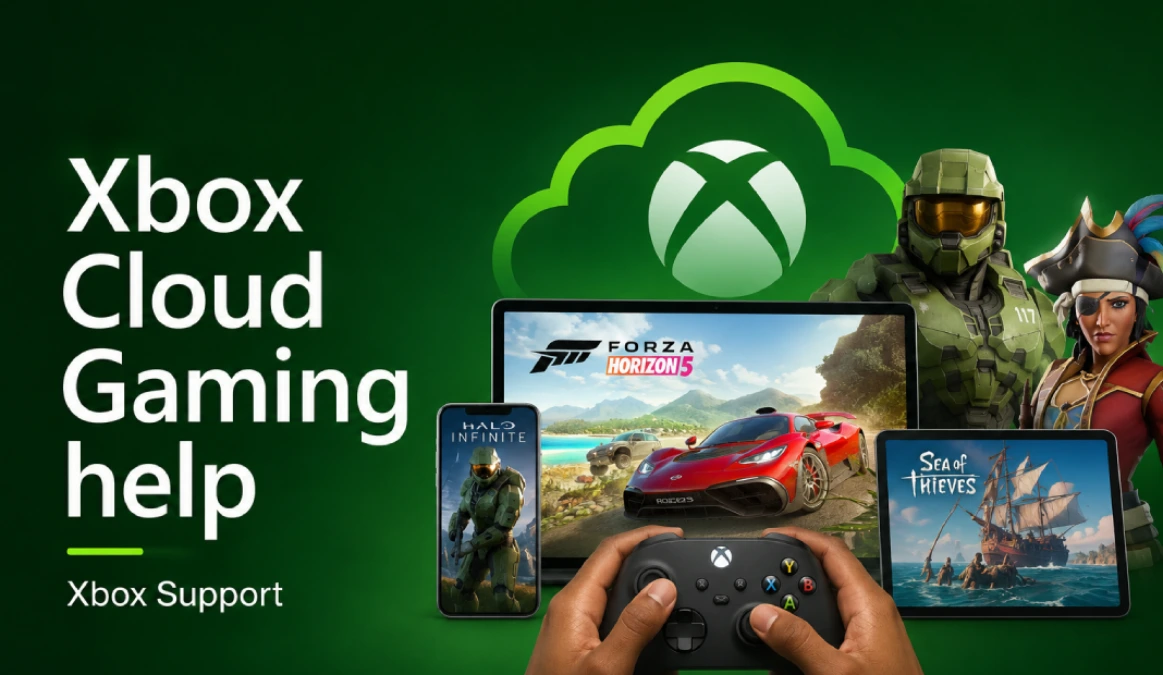
Xbox Cloud Gaming help! Navigating the world of cloud gaming can seem complex, but this guide aims to demystify Xbox Cloud Gaming for Microsoft Xbox One users, offering insights into its functionality, benefits, and various ways to enjoy your favorite Xbox games.
Understanding Xbox Cloud Gaming
Xbox Cloud Gaming represents a significant leap forward in how we access and play our favorite titles. This innovative service, often referred to as Project xCloud, allows you to stream Xbox games directly to a variety of devices, effectively turning almost any screen into a portable Xbox console. It’s a core component of the Xbox Game Pass Ultimate subscription, offering unparalleled access to a vast library of Xbox games without the need for extensive downloads or powerful local hardware, including titles available through PC Game Pass.
What is Xbox Cloud Gaming?
Xbox Cloud Gaming is Microsoft’s groundbreaking service that lets you play a selection of Xbox games from the Xbox Game Pass library through the cloud. Instead of running games on your local Xbox console or PC, the games are processed on powerful Microsoft servers and then streamed to your device. This means that with an Xbox Game Pass Ultimate subscription, you can enjoy high-fidelity Xbox games on supported devices such as mobile phones, tablets, PCs, and even your Xbox One console itself, without consuming significant local storage or processing power.
How Cloud Gaming Works
At its core, Xbox Cloud Gaming works by leveraging Microsoft’s robust server infrastructure to deliver games from the cloud. When you initiate a game through Xbox Cloud Gaming, the game runs on a remote Xbox Series X|S console in a data center. The video and audio from the game are then compressed and streamed to your device via the internet, while your controller inputs are simultaneously sent back to the server. This seamless interaction allows you to play Xbox games with minimal latency, giving you the experience of playing directly on a powerful local console, all powered by your Xbox Game Pass Ultimate subscription.
Benefits of Using Xbox Cloud Gaming
The benefits of using Xbox Cloud Gaming are numerous, especially for Xbox Game Pass Ultimate subscribers. It liberates you from the constraints of your physical Xbox console, enabling you to play Xbox games from virtually anywhere with a stable internet connection. This service provides instant access to a growing library of cloud-playable games, meaning you can jump into new adventures without waiting for lengthy downloads or installations. Furthermore, it allows Xbox One users to experience next-gen Xbox Series X|S titles that might not otherwise be playable on their older hardware, extending the life and utility of their current Xbox console.
Ways to Play Xbox Games
Xbox Cloud Gaming offers incredible flexibility in how and where you can play your favorite Xbox games, extending beyond the traditional console experience. With an Xbox Game Pass Ultimate subscription, you have several avenues to access the extensive library of cloud games, making gaming more accessible than ever before.
Using Microsoft Edge for Cloud Gaming
Microsoft Edge serves as a highly versatile platform for accessing Xbox Cloud Gaming and enjoying cloud playable games. By simply navigating to xbox.com/play in the Microsoft Edge browser on your PC, Xbox One, or even some smart TVs, you can stream Xbox games directly to your screen. This method offers a seamless experience for Xbox Game Pass Ultimate subscribers, allowing you to use cloud gaming without needing to install an Xbox app. Many free-to-play titles, like Fortnite, are available to stream even without an active Xbox Game Pass subscription, further broadening accessibility to Xbox games.
Playing on a Steam Deck
The Steam Deck, a popular handheld gaming PC, has become an unexpected but excellent device for Xbox Cloud Gaming. While not an official Microsoft product, users can configure their Steam Deck to access Xbox Cloud Gaming through a browser, such as Microsoft Edge, providing a portable and powerful way to stream Xbox games. This integration allows Xbox Game Pass Ultimate subscribers to enjoy their cloud-playable titles on the go, making the Steam Deck a fantastic companion for those who wish to extend their Xbox Game Pass library beyond their console or PC.
Compatible Controllers for Cloud Gaming
To fully enjoy Xbox Cloud Gaming, having a compatible controller is essential for most titles, although some games like Fortnite support touch controls on mobile devices. While an Xbox Wireless Controller is the recommended gamepad for the optimal experience, many other Bluetooth-enabled controllers are also supported, including PlayStation controllers and various third-party gamepads. Ensuring your controller is properly paired to your device is crucial for an immersive experience, allowing you to fluidly navigate the Xbox Game Pass library and stream games directly from the cloud.
Streaming Your Own Game
Setting Up Your Game for Streaming
For those interested in sharing their gameplay with a wider audience, setting up your Xbox game for streaming is a straightforward process, especially for Xbox Game Pass Ultimate subscribers. The Xbox console itself has integrated streaming capabilities, allowing you to stream your Xbox games directly to platforms like Twitch or YouTube. You will typically need to download the respective streaming app from the Microsoft Store on your Xbox One or Xbox Series X|S console. Configuring your audio and video settings within the app is crucial for a high-quality stream, ensuring your audience enjoys a smooth and engaging experience as you play Xbox games.
Tips for a Smooth Streaming Experience
Achieving a smooth streaming experience when showcasing your Xbox games relies on several key factors. A robust and stable internet connection is paramount, as streaming requires significant upload bandwidth to transmit your gameplay footage. Using a wired Ethernet connection instead of Wi-Fi for your Xbox console can drastically reduce latency and improve stream stability. Additionally, optimizing your stream’s resolution and frame rate settings to match your internet capabilities will prevent dropped frames and pixelation, ensuring your viewers receive a clear and uninterrupted feed of your Xbox Cloud Gaming sessions or console gameplay.
Common Streaming Issues and Troubleshooting
Even with careful preparation, streamers may encounter common issues when trying to stream their Xbox games from the cloud. Buffering, dropped frames, or poor video quality often point to an unstable internet connection or incorrect stream settings. Troubleshooting typically involves checking your internet speed, reducing the stream’s output resolution, or updating your Xbox app and console firmware, with assistance from Microsoft support if needed. Audio problems, such as no game sound or microphone issues, usually require adjustments within the streaming app’s audio mixer or ensuring your headset is properly connected to your Xbox console. For persistent issues, checking Xbox support forums or the streaming platform’s help guides can provide solutions.
Playable Xbox Games via Cloud Gaming
Top Xbox Games Available for Cloud Streaming
Xbox Cloud Gaming, a key feature of the Xbox Game Pass Ultimate subscription, offers a diverse and ever-growing library of cloud-playable Xbox games. This includes many AAA titles and beloved indie games, including popular multiplayer options like Call of Duty, all accessible directly through your browser or the Xbox app on supported devices. Popular titles from franchises like Halo, Forza, and Gears of War are frequently available, alongside newer releases that are optimized to stream from the cloud. The beauty of this service is the ability for Xbox Game Pass Ultimate subscribers to instantly jump into these Xbox games without any downloads, making it a truly “play anywhere” experience, especially on the Xbox Series X.
How to Access Your Library
Accessing your Xbox Game Pass library via Xbox Cloud Gaming is designed to be incredibly user-friendly for Xbox Game Pass Ultimate subscribers. Whether you’re on a PC using Microsoft Edge, a mobile device with the Xbox app, or even an Xbox console, simply navigate to the cloud gaming section. Your Ultimate subscription grants you immediate access to a vast selection of cloud games. You can browse the available Xbox games, select a title, and with a compatible controller, begin playing almost instantly. This seamless integration ensures that your favorite Xbox games are always just a few clicks away, ready to stream directly to your screen.
Exploring New Titles Through Cloud Gaming
Xbox Cloud Gaming makes exploring new Xbox games an exciting and effortless endeavor for Xbox Game Pass Ultimate subscribers. With the extensive Xbox Game Pass library at your fingertips, you can experiment with titles you might not have otherwise downloaded or purchased, all without consuming valuable storage space on your Xbox console or PC. This encourages experimentation and allows subscribers to discover new favorites among the cloud-playable games. Whether you’re looking for a quick free-to-play session of Fortnite or diving into an epic single-player adventure, the ability to stream games directly broadens your gaming horizons significantly.
FAQs
What devices can I use for Xbox Cloud Gaming?
Xbox Cloud Gaming is remarkably versatile, allowing Xbox Game Pass Ultimate subscribers to stream Xbox games on a wide array of supported devices. You can use cloud gaming on your mobile devices, including iOS and Android smartphones and tablets, by utilizing the Xbox app. For PC users, the service is accessible through a web browser like Microsoft Edge or Google Chrome, or via the Xbox app for Windows. Furthermore, your existing Xbox One or Xbox Series X|S console can also access cloud games, allowing you to try games before downloading or play titles you don’t have installed. Even some smart TVs are starting to integrate the service directly, expanding the “play anywhere” promise.
Can I play Xbox games without a console?
Absolutely, one of the primary benefits of Xbox Cloud Gaming is the ability to play Xbox games without owning an Xbox console. With an Xbox Game Pass Ultimate subscription, you can stream full Xbox games directly from the cloud to your supported devices, such as a PC, mobile phone, or tablet. This means the powerful processing is handled by Microsoft’s servers, and the game is streamed to your screen. Titles like Fortnite are even free-to-play through Xbox Cloud Gaming without any subscription, demonstrating the accessibility of cloud gaming beyond traditional hardware, making it easier than ever to dive into the Xbox Game Pass library.
What should I do if I encounter issues while streaming?
If you encounter issues while streaming Xbox games via Xbox Cloud Gaming, several troubleshooting steps can help. First, ensure you have a stable and strong internet connection, as a poor connection is often the root cause of lag or buffering when playing games from the cloud.; a wired connection is always preferable for optimal performance. You can also try refreshing your browser or restarting the Xbox app. Checking the Xbox support page on xbox.com for service alerts can inform you if there are any widespread issues. Sometimes, simply restarting your device or ensuring your browser/app is up to date can resolve unexpected glitches, helping you get back to playing your cloud-playable games smoothly.
Conclusion
Final Thoughts on Xbox Cloud Gaming
Xbox Cloud Gaming, powered by an Xbox Game Pass Ultimate subscription, has undeniably revolutionized how we access and play Xbox games. It offers unparalleled flexibility, transforming nearly any screen into a portal to the vast Xbox Game Pass library. The ability to stream games directly from the cloud, without the need for downloads or a powerful local console, truly embodies the “play anywhere” ethos. For many, especially those with an Xbox One or who travel frequently, this service extends the life of their current hardware and opens up a new world of cloud-playable titles, making the Ultimate subscription an increasingly valuable offering from Microsoft.
Recommendations for New Users
For new users venturing into Xbox Cloud Gaming, an Xbox Game Pass Ultimate subscription is essential, as it unlocks the full potential of the service, including access to cloud playable games. We recommend starting with a strong and stable internet connection, ideally wired, to ensure the best possible streaming quality for your Xbox games. Using a compatible controller, such as an Xbox Wireless Controller, will also significantly enhance your experience. Don’t hesitate to explore the diverse Xbox Game Pass library; try out different cloud games to find new favorites, and remember that even free-to-play titles like Fortnite are readily available to stream without an additional subscription. Familiarize yourself with the Xbox app or the web browser interface on xbox.com/play for seamless access.
Future of Xbox Cloud Gaming
The future of Xbox Cloud Gaming appears incredibly promising, with Microsoft continually investing in its expansion and capabilities, particularly for the Xbox Series X. We can anticipate even greater integration with various supported devices, potentially including more smart TVs, VR headsets, and other platforms, further cementing its “play anywhere” convenience. Enhancements in streaming technology, potentially leveraging 5G networks, will likely reduce latency and improve visual fidelity, bringing the cloud gaming experience even closer to that of a local Xbox Series X|S console. As the Xbox Game Pass library grows, so too will the array of cloud-playable Xbox games, ensuring the Ultimate subscription remains a compelling option for gamers worldwide.